
People keep asking me why their cheap laptops grind to a halt even when they’re just sitting idle. The answer is buried in the specs nobody reads. Here’s the thing nobody’s talking about—the difference between spinning rust and solid-state memory isn’t just about speed. It’s about whether your machine can even function in the modern world.
The Forensic Analysis
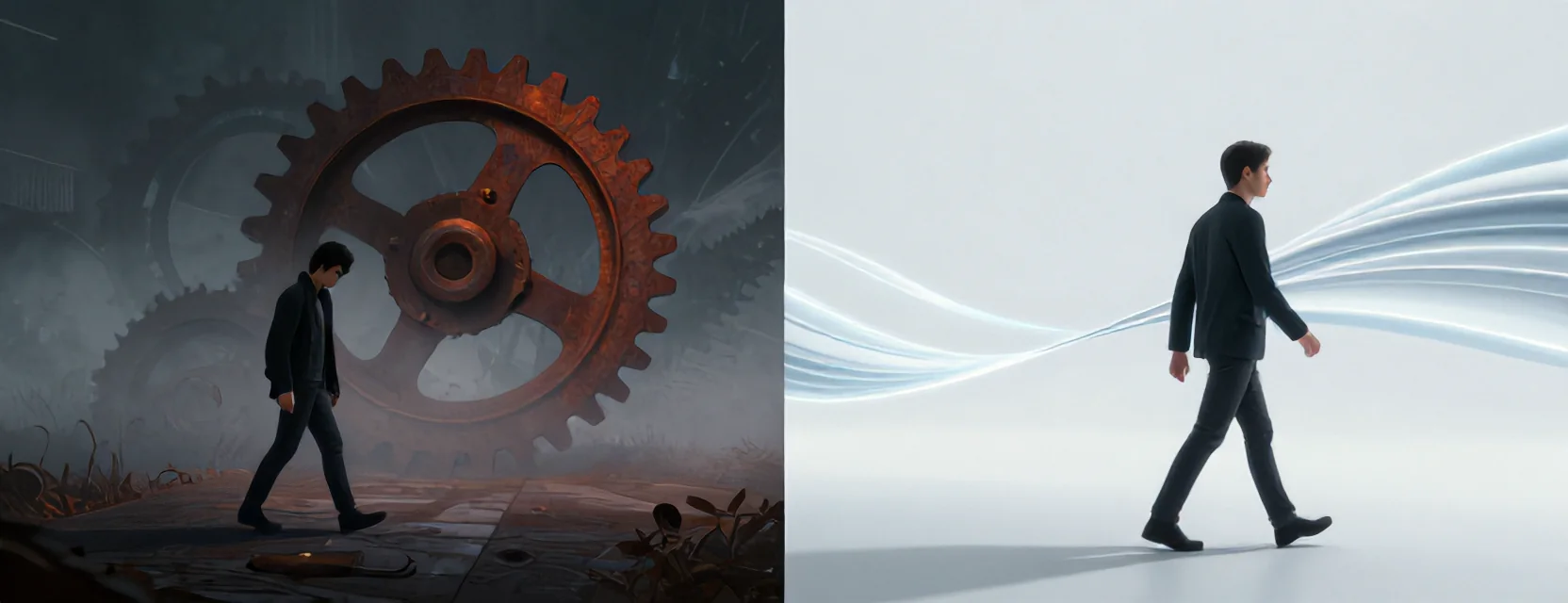
SIDE A: HDD (Hard Disk Drive) This is the mechanical dinosaur in your laptop—a spinning platter with an arm that literally has to move to read data. On budget machines, these drives are the bottleneck that cripples performance. Even when Windows 11 is just running background tasks, the HDD struggles to keep up with the constant data requests. The 1TB capacity might sound generous, but the speed is glacial—enough to cause 100% disk usage just from normal operations. It’s reliable in the sense that it won’t spontaneously combust, but “reliable” doesn’t mean “fast enough for modern software.”
SIDE B: SSD (Solid State Drive) This is the silent speed demon that replaces the mechanical parts with flash memory. An SSD can access data thousands of times faster than an HDD, eliminating the physical limitations of spinning disks. Even a small 128GB SSD transforms a sluggish laptop into something responsive enough for everyday tasks. The upgrade isn’t just about speed—it’s about stability. When your system isn’t spending all its resources waiting for the disk to spin, everything else runs smoother. The real-world difference? A laptop that boots in seconds instead of minutes, and applications that open when you click them.
THE REAL DIFFERENCE Here’s what most people miss: The problem isn’t just that SSDs are faster. It’s that they fundamentally change how your system behaves. With an HDD, you’re constantly battling latency—waiting for the read/write head to position itself, waiting for the platter to spin to the right spot. With an SSD, data is instantly available. I’ve seen laptops with identical processors and RAM—only the storage differs—and the SSD-equipped model feels like a completely different machine. The difference isn’t marginal; it’s transformative. After years of using both, I can tell you that once you’ve worked on an SSD, going back to an HDD feels like stepping into a time machine set to 2005.
THE VERDICT If you’re using a budget laptop for basic tasks like web browsing, email, and document editing, the upgrade to an SSD is the single most impactful improvement you can make. If your machine is already equipped with an SSD, you’re in good shape—but if it’s still running on an HDD, you’re fighting a losing battle. From experience, I’d tell anyone with a slow laptop to check their storage type first. If it’s an HDD, the solution is clear: replace it with an SSD. If you’re on a tight budget, even a small 128GB SSD paired with a cheap external drive for files is better than suffering through HDD performance.
Reasonable Doubt Remains
Don’t let storage prices scare you away from this upgrade. While high-capacity SSDs have gotten expensive, the small ones that dramatically improve performance are still affordable. The real decision isn’t about whether you can upgrade—it’s whether you’re willing to live with a system that struggles to keep up with basic tasks. When your disk usage hits 100% just from background processes, you’re not dealing with malware or settings issues. You’re dealing with fundamental hardware limitations that only an SSD can fix. Make the change, and you’ll wonder how you ever tolerated the alternative.