
Ever wonder why a PDF feels both permanent and strangely alive at the same time? You open it, and it looks exactly like it did when you saved it—fonts intact, layout perfect. But then you notice: you can click links, highlight text, even fill out forms. How can something so final be so interactive? Let’s unravel this paradox.
The truth is, PDFs are like those old-fashioned letters you received in the mail—except they’ve secretly evolved into something more complex. You don’t need the glittery scented pen to read the letter, because the pen’s job was done the moment the ink hit the paper. The same goes for PDFs and the tools that create them. But the similarities end there. PDFs carry a hidden duality: they’re both a final snapshot and a living document in disguise.
Building the Case
The Ghost of Packages Past
When you create a PDF using LaTeX or any other tool, the underlying “packages” or software features vanish once the file is written. It’s like using a fancy pen to write a letter—you don’t need the pen to read what’s written. The PDF contains only the final output, not the instructions or tools used to make it. This is why you can share a PDF without worrying whether the recipient has the same software. The magic happens during creation, not afterward.Interactive Illusions
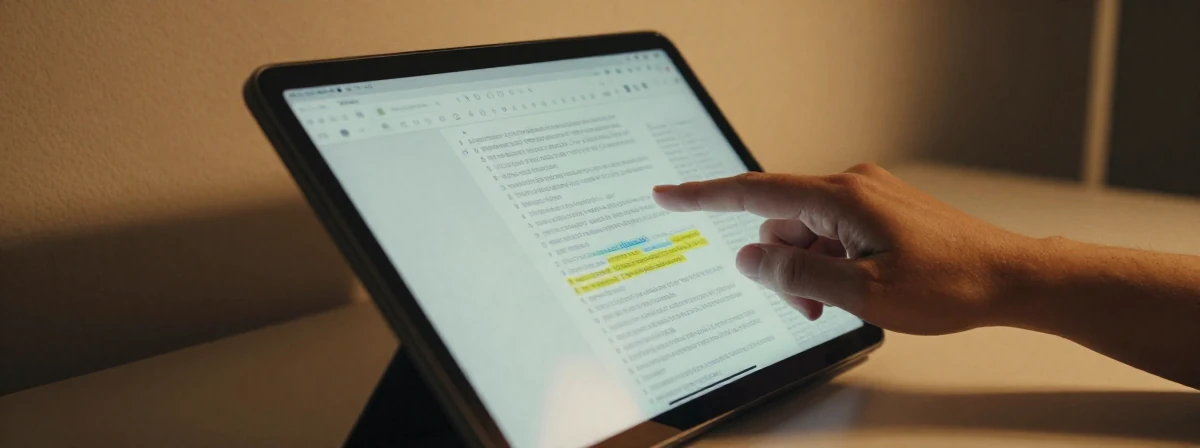
You can select text, click links, and navigate tables of contents in a PDF, which makes it feel far from “dead.” But these interactions are just surface-level tricks. Beneath the hood, a PDF is an image with embedded instructions. Hyperlinks, for example, are like hidden bookmarks that tell your reader, “Jump to this page”—they don’t change the fact that the document itself is static. It’s the digital equivalent of a printed map with a highlighted route: the map doesn’t move, but the route guide does.
- A Drawing, Not a Text File
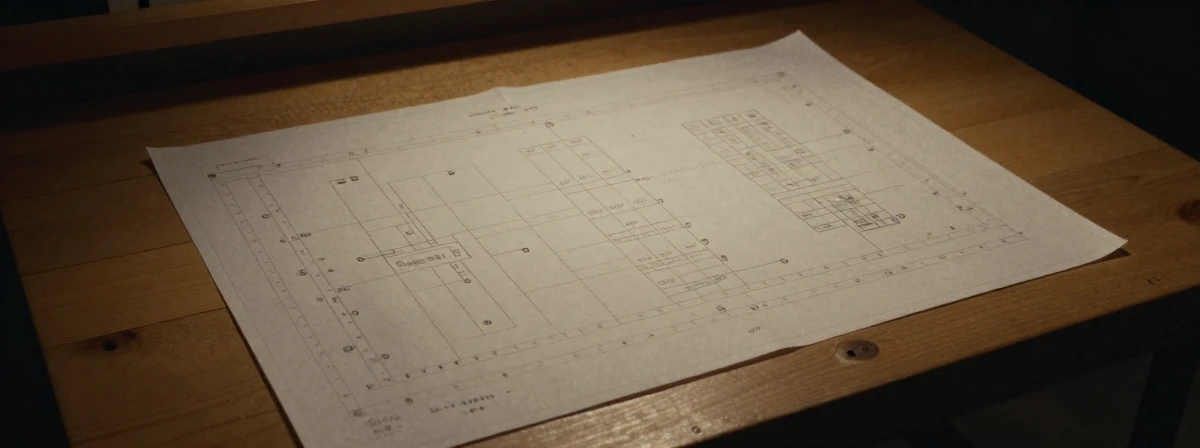
Think of a PDF as a detailed blueprint rather than a manuscript. Instead of storing text as editable paragraphs, it stores instructions like “draw a letter ‘A’ at coordinates X,Y” or “draw a line from point P to point Q.” This is why PDFs preserve formatting so perfectly across devices—but it’s also why they’re notoriously hard to edit. You’re not editing text; you’re redrawing the entire picture. The structure of your original document (like tables or tree diagrams) is lost in translation, leaving only the visual representation.
The Printer’s Last Word
PDFs were born from PostScript, a language designed for printers, not editors. When you export a document to PDF, you’re essentially sending it to a virtual printer that finalizes every detail—line breaks, font sizes, margins—before “printing” it into a file. This is why PDFs look identical everywhere: they’re pre-rendered instructions for displaying content, not dynamic data waiting to be interpreted. It’s the difference between a recipe (editable, flexible) and a finished meal (fixed, ready to consume).Portable, But Not Passive
The “P” in PDF stands for portable, and for good reason. Whether you open a PDF on a phone, tablet, or computer, it looks the same because the format embeds everything needed to display it: fonts, images, and layout. But don’t let the portability fool you. A PDF is a “final snapshot” of your document, not a set of instructions like LaTeX or Python code. Everything is baked in—fonts, layout, graphics—so it’s ready to display without needing the original tools. Yet, its embedded interactivity (links, forms) gives it a ghost of dynamism, even though the core document is as static as a printed page.
Reasonable Doubt Remains
The PDF paradox reveals a deeper truth about digital documents: they’re never truly “dead” or “alive” in the way we might assume. They’re hybrids—final outputs that can still surprise us with hidden capabilities. The next time you open a PDF, remember: you’re looking at a snapshot that’s pretending to be static, but it’s still carrying the echoes of the tools that made it. And that’s why, despite its permanence, the PDF remains one of the most fascinating contradictions in our digital world.